

Shortcuts that look the way you want
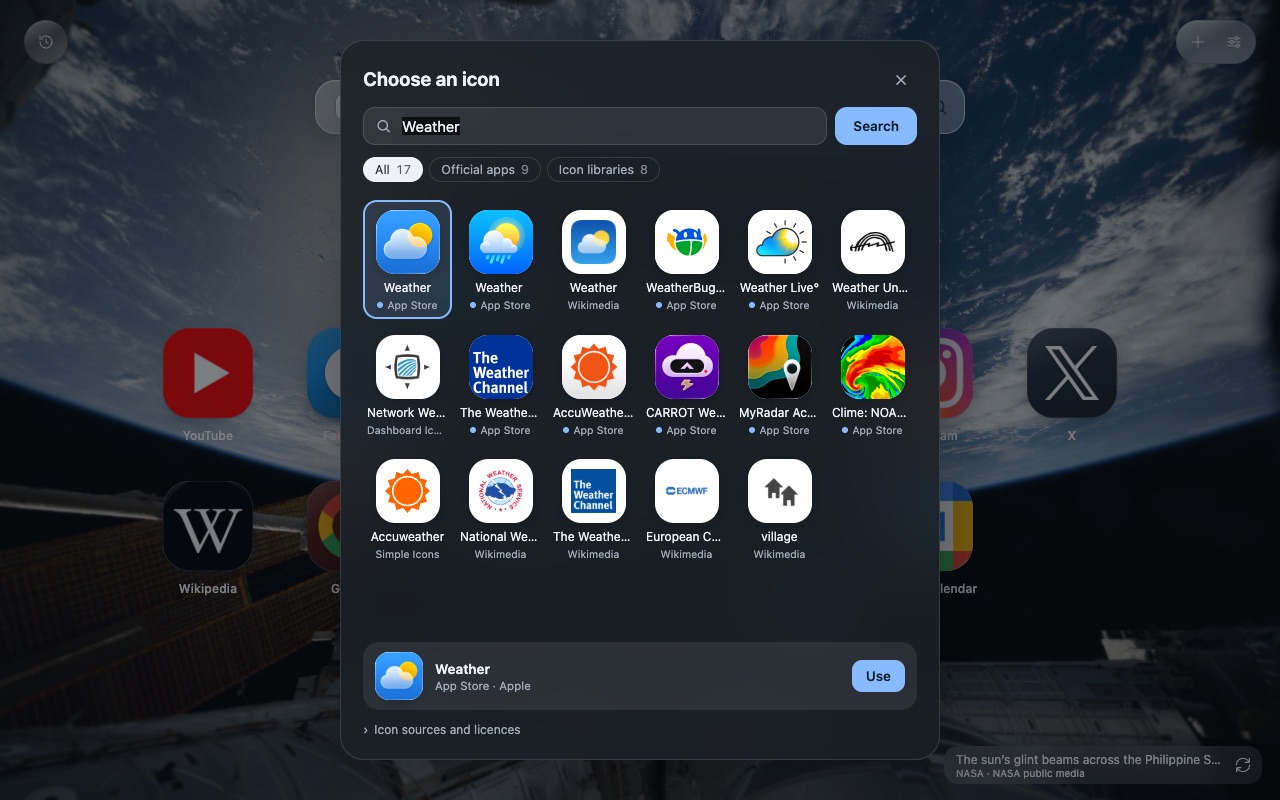
Pages, folders and a dock; drag to rearrange. The icon editor crops, zooms and makes colour or text icons — or search openly licensed icon libraries and fetch a site’s own icon.

Your sites. Your wallpaper. Nothing else.
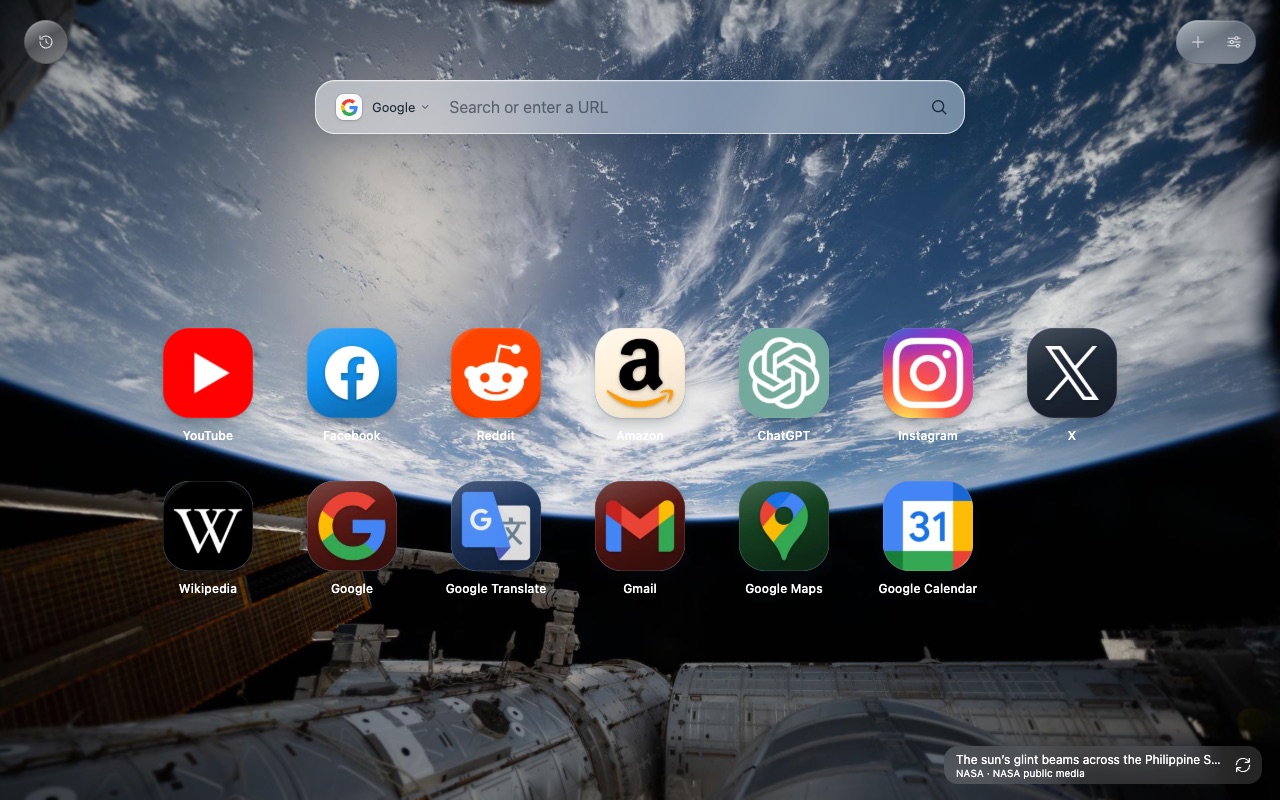
Moonsill replaces the new tab page with a calm start page: the websites you actually use, a search box, and a wallpaper you choose. No account, no ads, no analytics.
Can’t access Chrome Web Store?Download .crxDownload .zipInstall guide →
Pages, folders and a dock; drag to rearrange. The icon editor crops, zooms and makes colour or text icons — or search openly licensed icon libraries and fetch a site’s own icon.
Bing daily, curated random, and galleries from Wikimedia Commons, the Art Institute of Chicago and NASA — plus gradients and your own images. Blur, fine grain, glow and automatic dimming keep text readable.
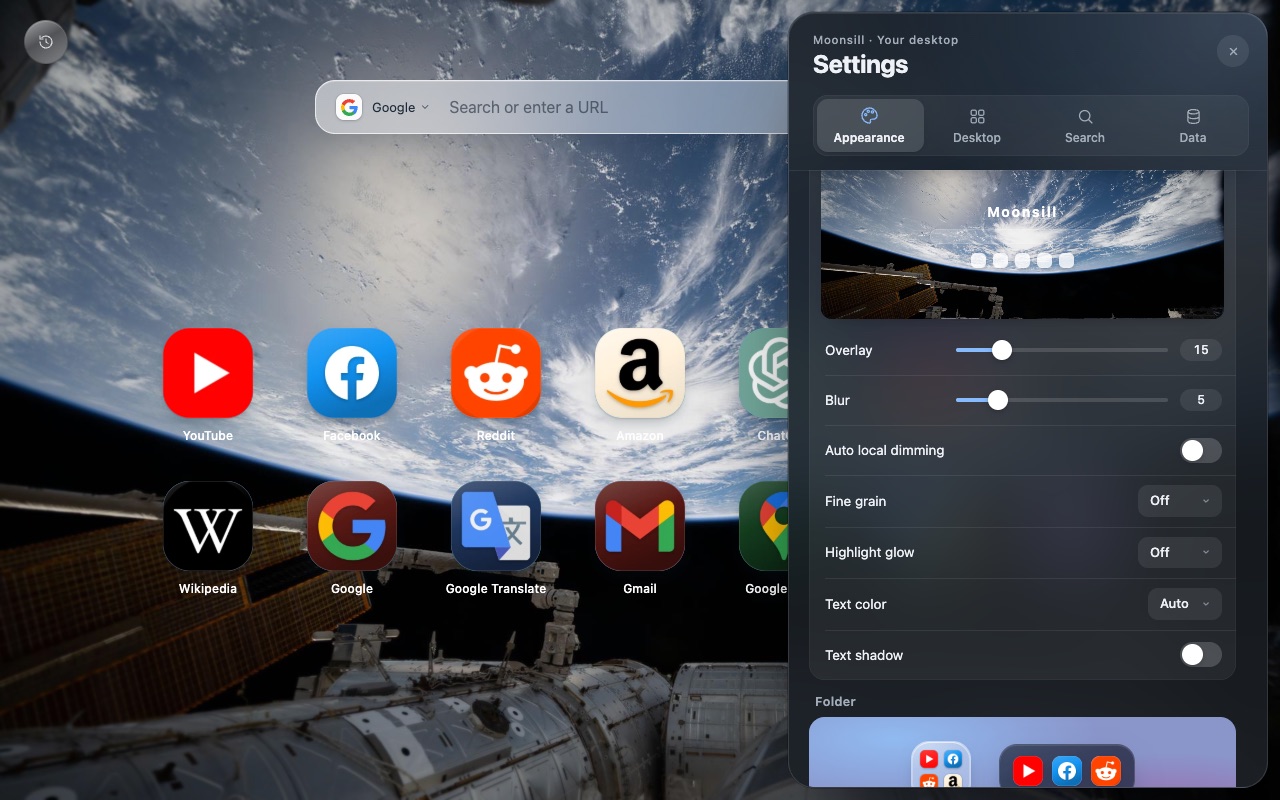
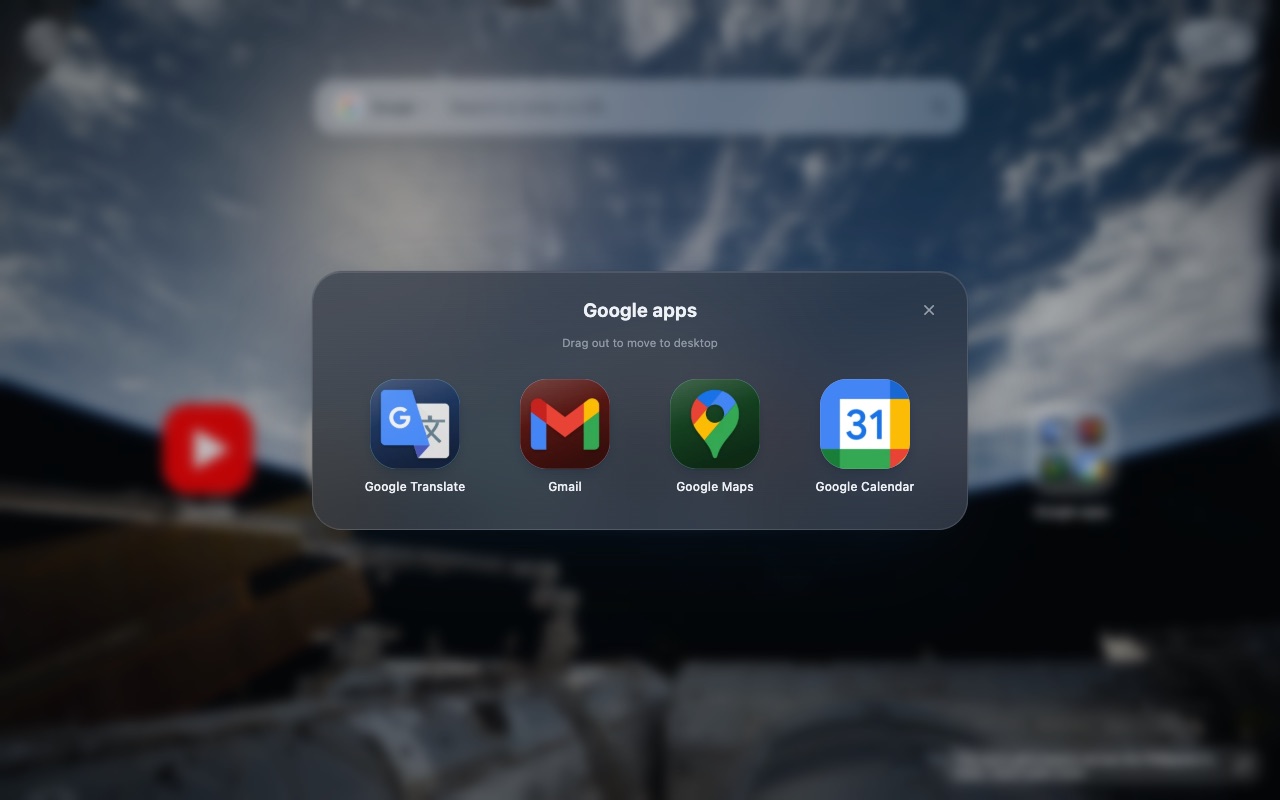
Group sites into folders, spread them over pages, and move between pages with the scroll wheel or arrow keys. Columns, icon size, corner radius and labels are all adjustable.
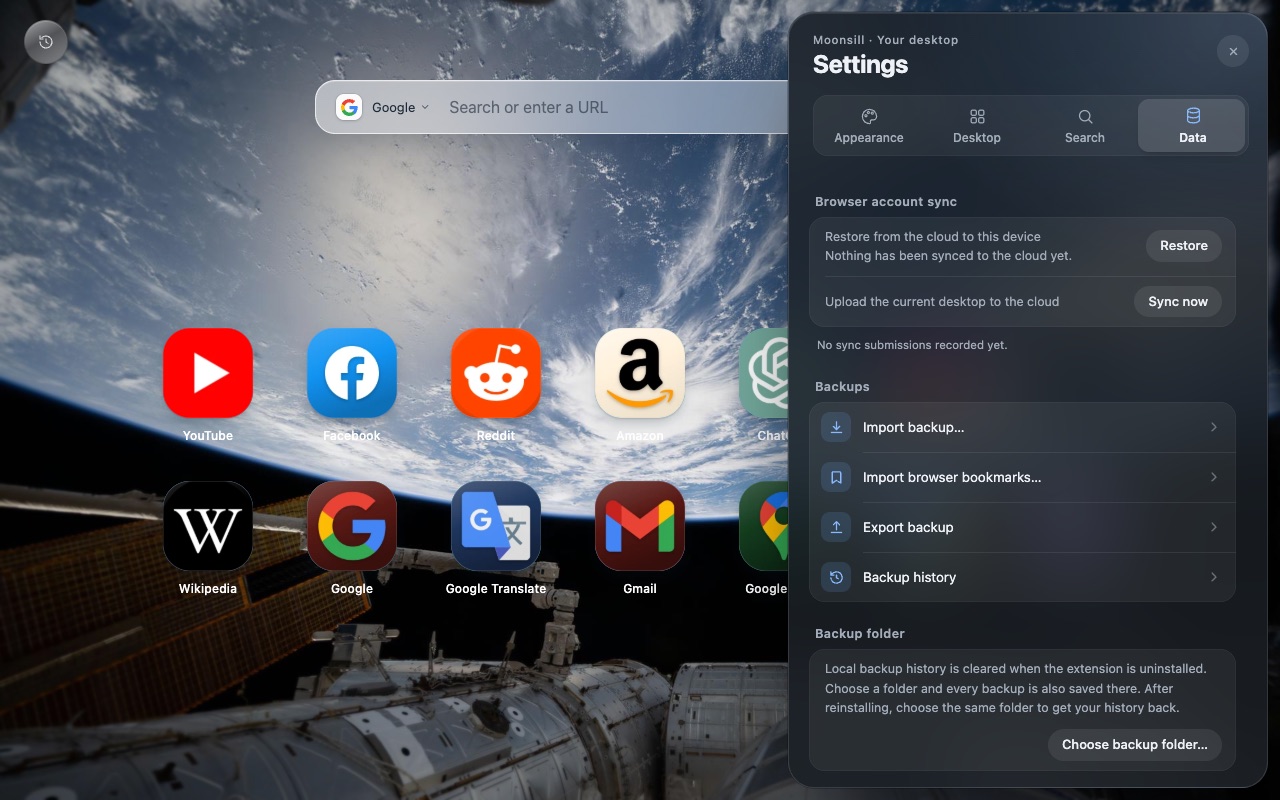
Export and import backups, keep local snapshots, import browser bookmarks with the most used first, or migrate from an older new-tab extension. Sync is manual: one button saves your desktop to your own browser account.
The first page is filled before it is first drawn: your most visited sites, topped up with popular sites for your region — decided locally from the browser language. Crisp icons for popular sites ship with the extension, so it looks right even offline.
A closer look at the panels behind a quiet new tab — all localized and built to stay out of your way.
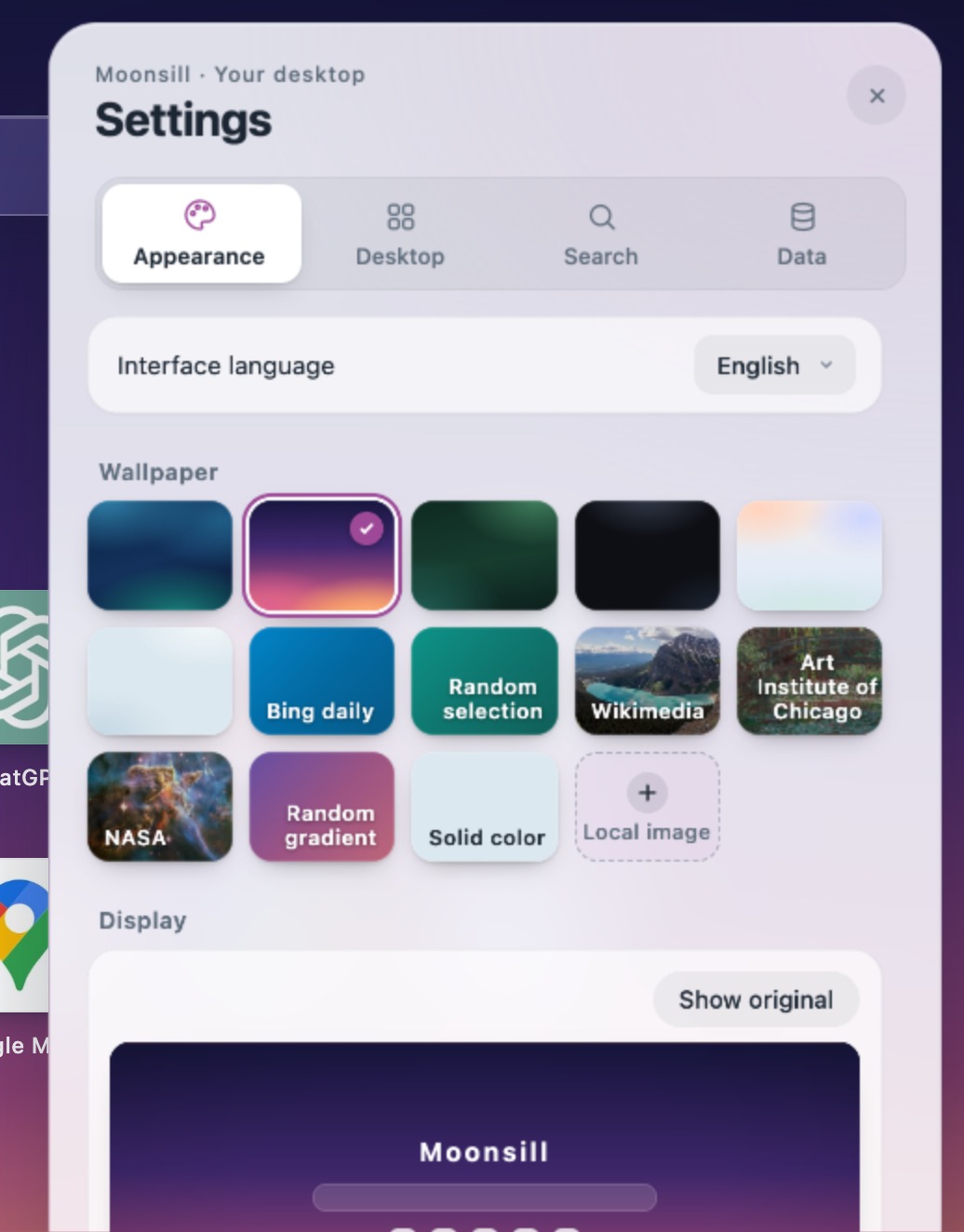
Switch between Bing daily, Wikimedia, the Art Institute of Chicago, NASA, gradients, solid colours or your own images.
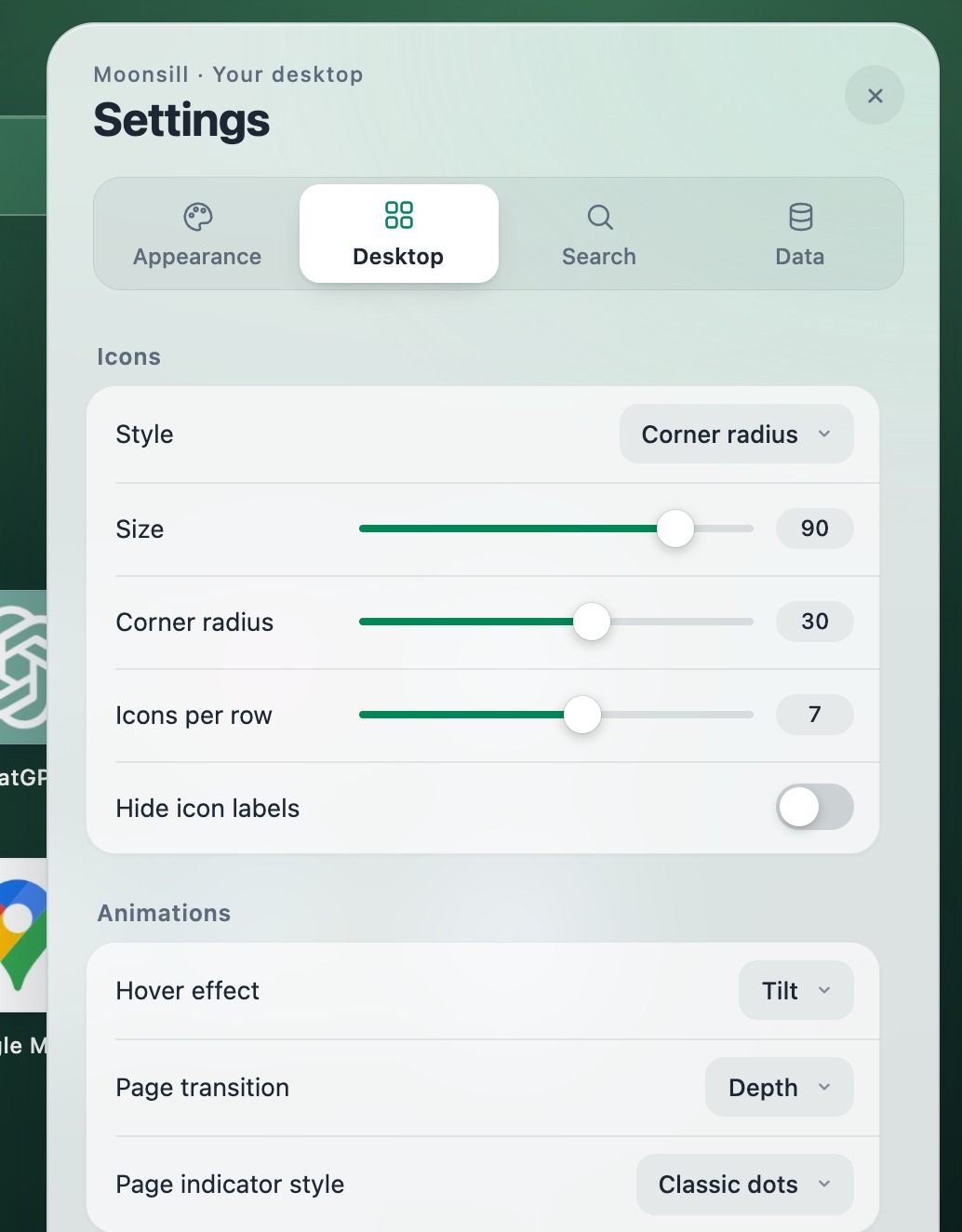
Fine-tune icon shape, size, corner radius and columns, paired with subtle hover effects, page transitions and pager styles.
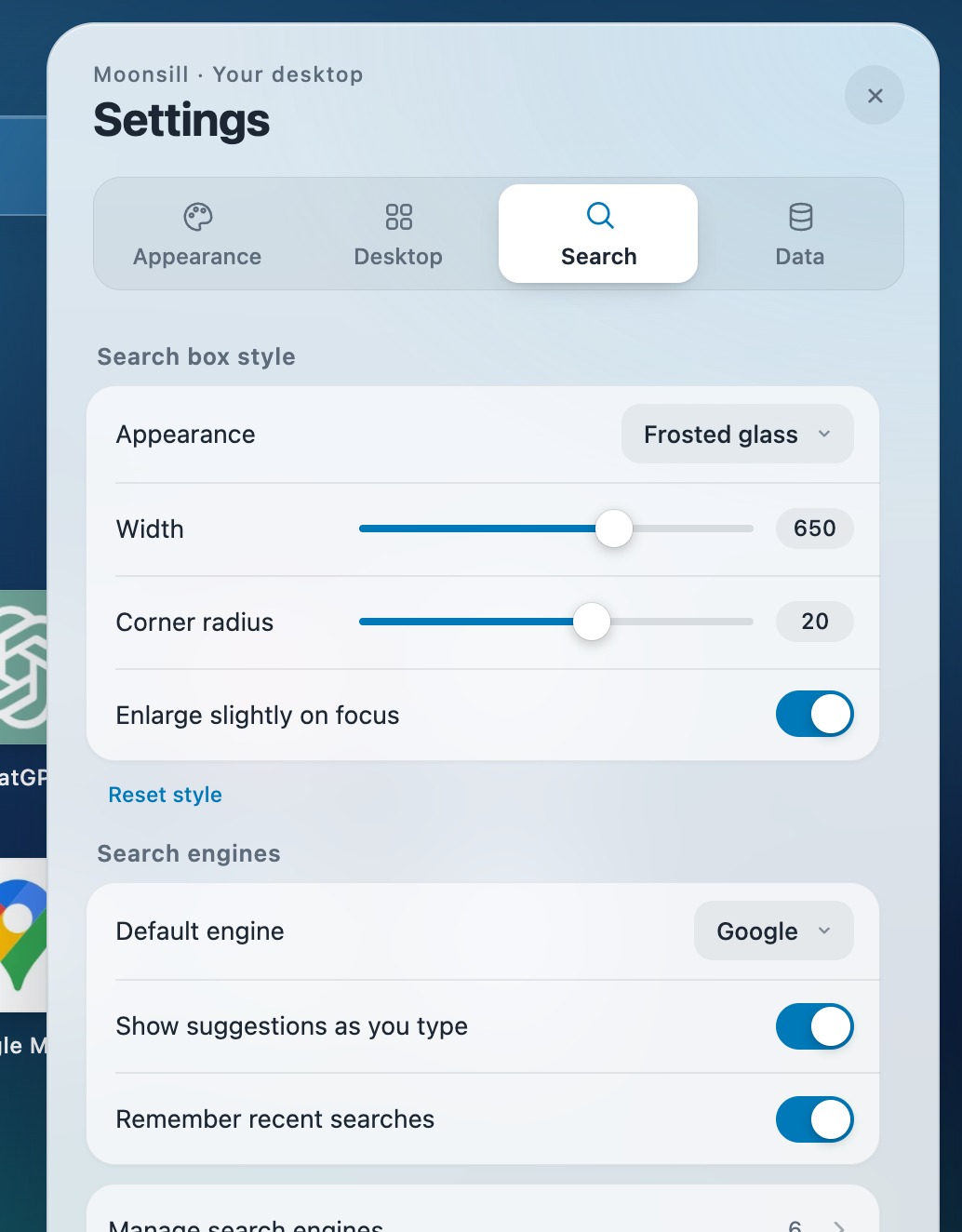
Pick from seven search bar materials, adjust width and corners, and manage your preferred search engines and suggestions.
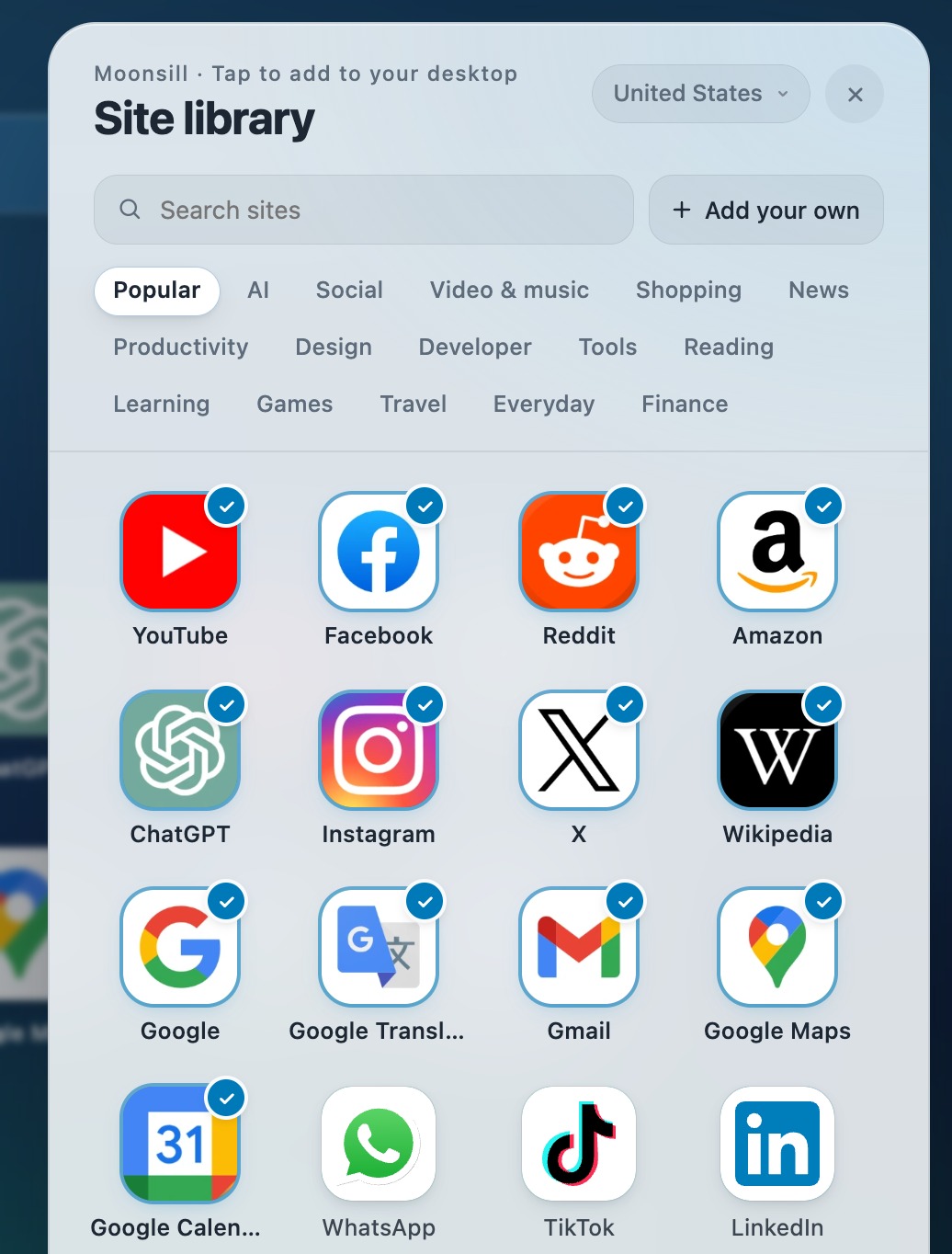
Browse popular sites organized by region and category with crisp built-in icons — one click places them onto your desktop.
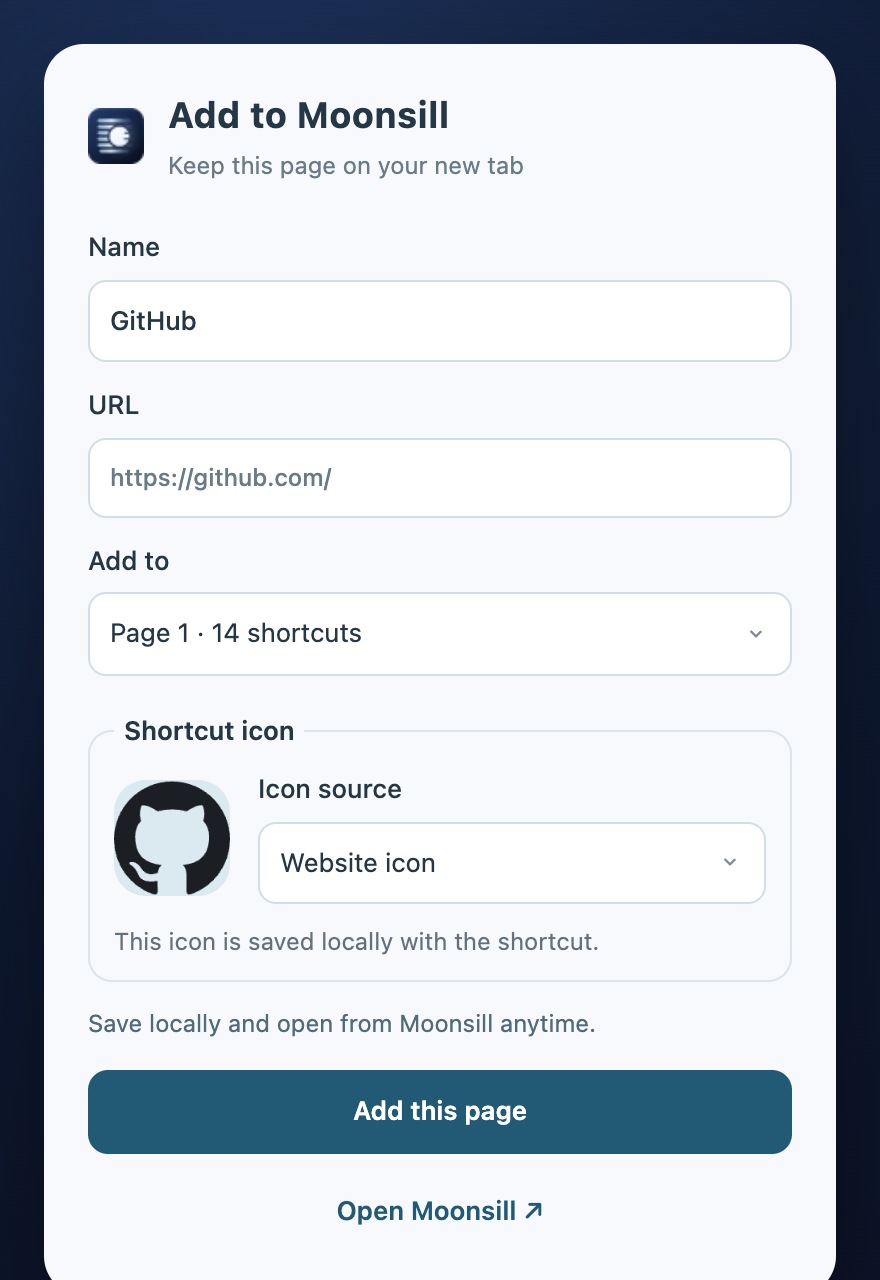
Click the Moonsill toolbar icon while browsing to add the current site to any page, with its icon automatically saved locally.
No account, no ads, no analytics, no developer server. Everything lives in your browser.
Can’t access Chrome Web Store?Download .crxDownload .zipInstall guide →
English · 简体中文 · 繁體中文 · 日本語 · 한국어 · Français · Deutsch · Español · Русский